
Searching Cases by Name
Begin at the official MiCOURT Case Search, and pick the likely court before typing anything. The name search needs a last name or a business name. First and middle names are optional, where the public form offers those fields. Birth year, not a full birth date, can separate people with similar names. It narrows the results. And keep one caution in mind. A shared name alone never proves a result belongs to the person you have in mind.
- Select the court that most likely holds the Baraga matter.
- Enter the required last name or business name, then use first name, middle name, or birth year only as available refinements.
- Use case year, type, category, status, or dates when the public interface offers them and the detail is known.
- Open a candidate result only after checking the court, case number, case type, and visible filing information together.
The official statewide search provides the public entry point for available Michigan case information.
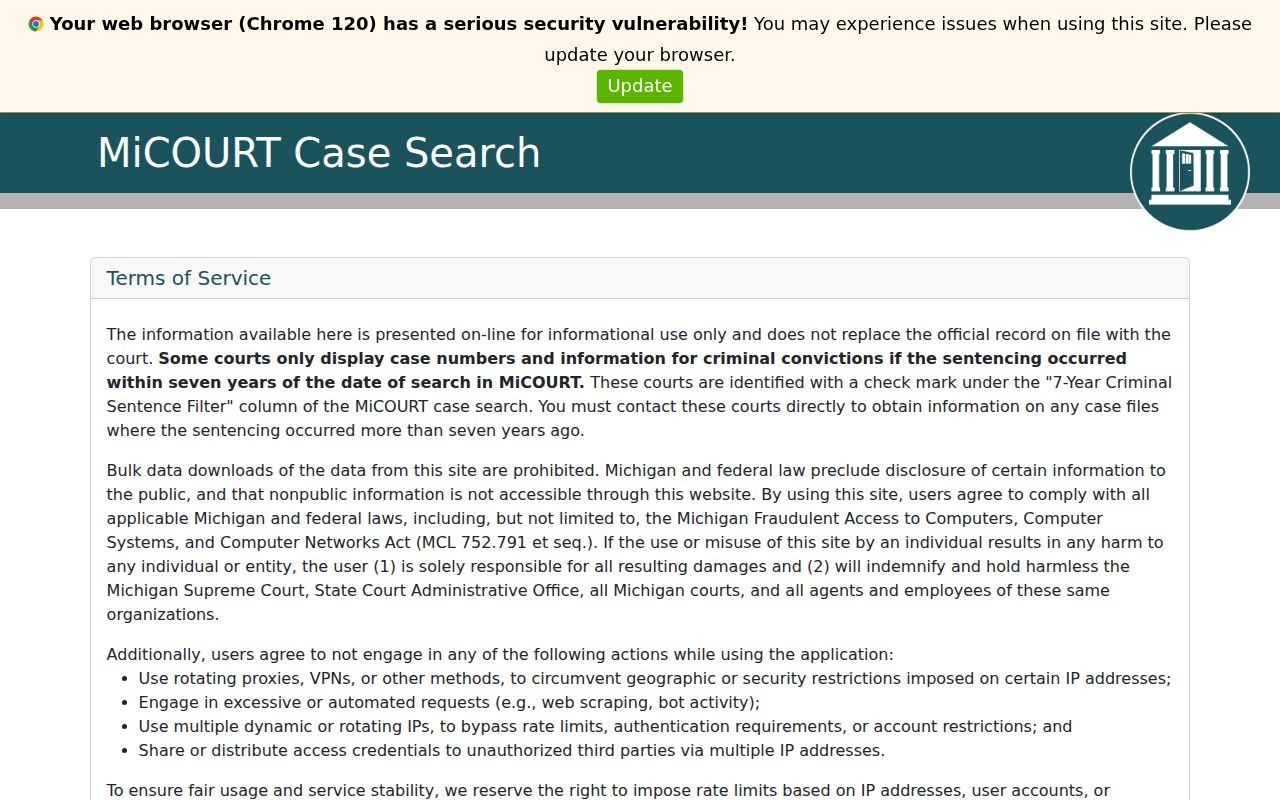
The public form starts with court selection and a few search fields. Narrowing to the right Baraga court beats trusting a name alone.
| Field label | Type | Required | Baraga search use |
|---|---|---|---|
| Court | Selector | Choose first | Separates district, circuit, and probate search paths. |
| Last or business name | Text | Yes for name search | The documented required field for a public name search. |
| First or middle name | Text | No | Optional refinement where the public view supplies it. |
| Birth year | Year | No | Use only as a refinement; do not enter or publish a full date of birth. |
| Case year, type, or status | Filter | No | Available choices can vary by court and public interface. |
Baraga Case Search Court Choice
Court jurisdiction comes first. Misdemeanors, traffic matters, civil infractions, small claims, other summary proceedings, and felony preliminary examinations run through the 97-1 District Court. Once a felony is bound over, along with larger civil matters, domestic relations, and appeals, the regional 12th Circuit Court takes over. Estates, trusts, guardianships, and conservatorships go to the Baraga Probate Court.
| Likely court | Typical Baraga matter | Why the choice matters |
|---|---|---|
| 97-1 District Court | Traffic, misdemeanor, small claims, civil infraction, preliminary felony stage | The direct Baraga district route can narrow the public search. |
| 12th Circuit Court | Felony after bindover, larger civil case, domestic relations, appeal | A district result may no longer be the right record after transfer. |
| Probate Court | Estate, guardianship, trust, conservatorship | Probate has a separate record path and access limits for some documents. |
Michigan labels the chronological docket record a case history, plain words for a register of actions. Your court choice decides which clerk keeps that history. It also decides which public result is worth reading.
Searching by Case Number
A case number is the sharpest tool for a search. MiCOURT builds one from a year, a numeric number, and a case type. As a practice example, the synthetic format 2026-00000-SM shows the pattern: a four-digit year, a numeric component, and a case-type code. It is not a real case. It cannot predict a number from a name. Type the full number you know. Include the year and type even when the form splits them into separate boxes. Common Baraga codes include FY for a felony criminal case at the district preliminary stage, SM for statute misdemeanor criminal, GC for general civil monetary damages, SC for small claims, and SI for statute traffic civil infraction. Numbering patterns vary with each court's setup, so check the returned court and case type against the details in hand. Working from a partial number? Ask the clerk for the right court path rather than guessing the missing digits. The category code names a case type. It says nothing about the outcome.
Baraga Case Search Filters
MiCOURT's developer materials spell out the full data model behind case search. The version 3 and version 4 case-search references list filters for case type, category, subcategory, year, status, public status, judge, filing or disposition dates, and more. The public screen may offer fewer controls than the model documents, so use only what a public visitor can actually reach. Facing several plausible Baraga results? Narrow by court first, then add a year or a case type. Status, public status, judge, and date filters help when the interface provides them. The official version 3 reference also covers pagination, sorting, and fields available in authorized system use. Those papers explain concepts. They stand in for neither the public portal nor the clerk's record.
- Case type
- A coded classification, such as SM, FY, GC, SC, or SI, that helps identify the kind of case.
- Public status
- A public-access state that can limit what the public interface shows.
- Disposition
- A recorded resolution or closing action, not simply a case listing or a scheduled hearing.
What a Baraga County Case Search Returns
A public result can show the court, case number, case type, filing date, status, judge, and the visible case-history items. It can also carry a lot in one line. It may note that a document exists, or give its public status. Even then it does not hand over the document itself. Read the court and case number first. Then work through the history in order, along with any disposition details. A listed next hearing can still change, and it sits apart from the case history.
| Court | The court family that owns the public case record and controls the correct clerk route. |
|---|---|
| Case number | The year, number, and type combination used to identify the record, such as 2026-00000-SM. |
| Case type | The category code that classifies the matter, not a description of the result. |
| Filing or disposition date | A visible procedural date that should be read with the case history and court context. |
| Public history | Available chronological entries, which may be more limited than the official clerk file. |
To check an upcoming event by date, use the Baraga County court calendar on its own. A calendar listing is only a schedule. It does not prove the event happened or that the case ended any particular way.
Baraga Case Search Results Are Informational
MiCOURT public results are informational. They are no substitute for the clerk's official record. Nor do they prove every document is public or complete. A case-history entry can appear on the public screen. Meanwhile the item behind it may be redacted or unavailable. Need an order, judgment, certified copy, transcript, or older file? Pin down the exact court and case number first. Then ask the right clerk about lawful access. Coverage limits matter too. System coverage and case type both constrain what appears. Some courts show criminal-conviction information under a seven-year sentence-related filter or something similar. So a missing older result does not mean the case never existed. Before asking the clerk for the record, recheck the court. Recheck the spelling, the case year, the type, and any possible circuit transfer too.
Read the record source. A public search result can help locate a Baraga case history, but the clerk's official file controls for an official record or copy.
Statewide vs County Case Search
Two routes open the MiCOURT Case Search world. The statewide page is the main public entry point for a docket search. Want the local district court directly? The county-linked Baraga 97-1 route aims you there. One catch: that direct link is an application shell, and it may fail to load outside a browser session, so the statewide route stays the official fallback. Either way, a calendar entry or an online result is not the complete clerk file.
| Statewide MiCOURT route | Baraga 97-1 direct route |
|---|---|
| Begins with statewide public court selection. | Starts with the local 97-1 District Court context. |
| Useful when the correct court is uncertain or the direct route does not load. | Useful when a district matter is already known to be in Baraga 97-1. |
| May route the search toward district, circuit, probate, or another participating court. | Does not replace a circuit or probate search when those courts hold the matter. |
Felony matters are a common reason to check more than one court in Baraga County. District court handles the preliminary stage. After bindover, the circuit court holds the felony path. Do not assume a circuit case keeps the same public district search result.
Baraga Case Search and MiFILE
Two state systems, two different jobs. MiCOURT Case Search is the public tool for pulling case information. MiFILE, also called TrueFiling, exists for electronic filing and document submission in participating courts. Neither one is the other. Signing up to file paperwork does not grant a public docket viewer. It does not open an open record account either. Baraga County appears on the official available-courts listing twice. The entries are 97-1 District Court and Baraga Probate Court. The MiFILE available-courts directory shows those Baraga listings and the filing routes each court accepts.
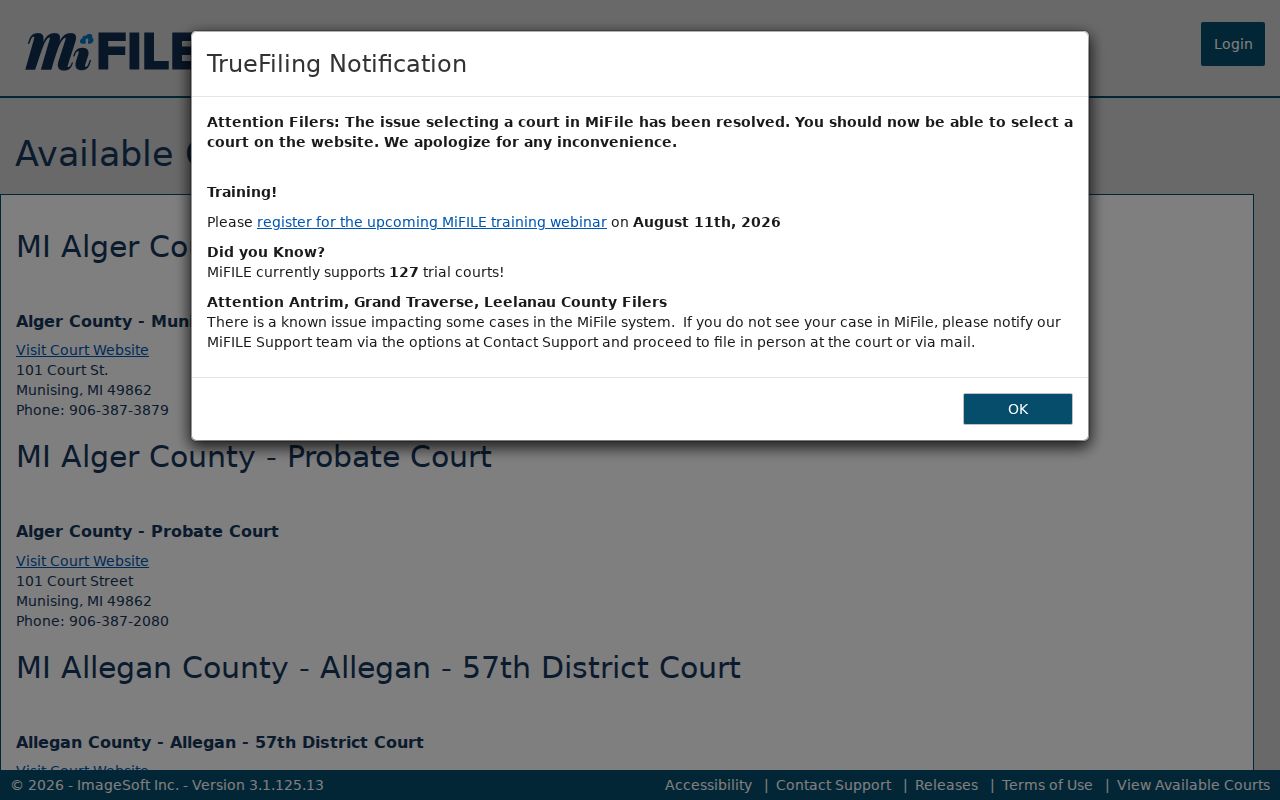
Use the MiFILE court listing to spot participating filing courts. For available case information, MiCOURT Case Search remains the public path.
| MiCOURT Case Search | MiFILE / TrueFiling |
|---|---|
| Public case-information search for available results. | Electronic filing and document-submission system for participating courts. |
| Start here to locate an available case history. | Use only for the appropriate filing workflow or court-supported purpose. |
| Does not replace the clerk's official file. | Does not create unrestricted public access to documents or case histories. |
Access and Restricted Cases
Michigan public access runs through statutes, court rules, redaction, and sealed or nonpublic classifications. Adoption, juvenile, child-protective, juvenile guardianship, mental-health, personal-protection-order, and name-change cases are among the protected categories. If a public search shows nothing, describe it as unavailable through the public search. That is not proof no case exists.
Protected identifiers include a full birth date. So do driver-license and state-ID numbers, Social Security and national identification numbers, passport numbers, and financial-account data. Michigan public portal materials describe year-only birth-year treatment. They also cover masked register-of-actions printing and no public portal search by driver-license number. Search only with the fields the system permits. Never reproduce protected identifiers from a court source.
A sealed record is closed by court order. A nonpublic record is withheld under a statute or rule. The distinction matters. Court staff may be barred from even confirming a protected record's existence. The Michigan protected-PII memo explains the public-display safeguards relevant to a Baraga search.
Baraga Case Search When Results Fail
A dead-end screen is rarely the last word. Go back to whatever is most stable. That means the court, a known case number, a spelling variant, a rough case year, and the case type. No number? Run the name search again at the narrowest court first. Then consider where the matter sits. It could be circuit, probate, or a district case that moved after a felony bindover. Court Display can help you spot a scheduled event. It still cannot replace a full case-history search.
Calling the clerk works better with specifics. Give the case number if you have it. Add the approximate year and the court you believe holds the matter. State what you actually need: inspection, a regular copy, a certified copy, or a transcript. The district clerk route is (906) 524-6100 ext. 202, and MiFILE lists (906) 524-6109. Circuit is ext. 301; the probate registrar is ext. 206. All of these offices sit at 16 N. 3rd Street, L'Anse.
Note: Recheck before trusting a Baraga result. See the official court pages for current contacts, and the public portal for current search controls; the linked material was last checked on August 26, 2026.